
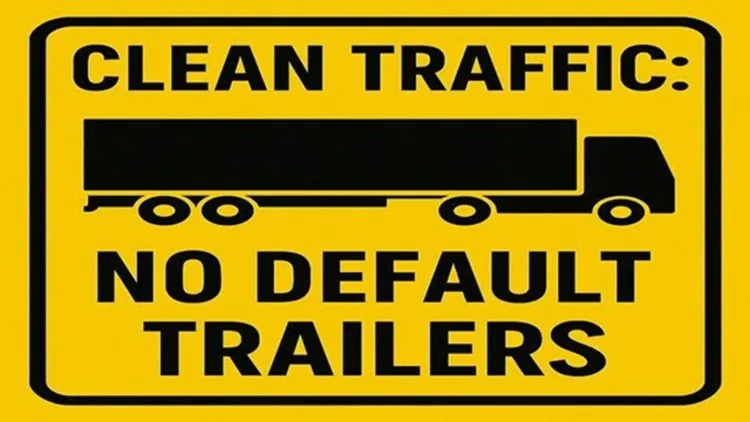
If you are using any traffic mod in ETS2 AI traffic, you may want to remove the default SCS Software trailers. Traffic mods usually add real-world brands to the game, while SCS Software trailers may appear with random cargo and fictional branding. By removing these default trailers, you can create a more realistic traffic experience and let your realism-focused traffic mods stand out better on the road.
Tired of those repetitive SCS default trailers cluttering the roads?
Clean Traffic - No Default SCS Trailers is a lightweight but powerful mod for Euro Truck Simulator 2, designed to strip out all SCS-made trailers from traffic giving way to custom trailer packs and a more immersive driving experience.
Compatible With ETS 1.61.x
Removes Almost all default SCS trailers from AI traffic
Ideal for use with custom AI trailer mods like Real Company Packs
Improves realism, aesthetics, and traffic variety
Clean, optimized for performance
Compatible With All Trailer Packs Mods
Perfect for realism lovers, mod collectors, and anyone wanting cleaner, custom-only roads.
Installation:
Place the .scs file into your ETS2 mod folder
Activate it in your mod manager and BELOW other trailer mods
Hit the road and enjoy the new look of clean logistics!
BEWARE / WARNING: You need to finish your delivery first, before you activate this mod Clean Traffic No Default SCS Trailers, because it will reset the economy and cancel the job. You need to have AI Trailer Packs mod, At least 1 active, for this mod to work, otherwise will not work.
How to Install ETS2 Mods?
- Copy the ZIP/SCS files to the Documents > Euro Truck Simulator 2 > Mod folder.
- Launch the game, click the Mods button in the menu. Your newly installed mod will appear on the left side. Double-click the mod you want to activate in the Mod Manager screen.
- It will be added to the Active mods list on the right side.
- Click the Confirm Changes button to complete the installation process.
For more detailed information, you can check out our Mod Installation Guide page.
Download Clean Traffic No Default SCS Trailers V2.1 for ETS2 1.61 (Current)
Download Clean Traffic No Default SCS Trailers V2.0 for ETS2 1.60 (Older)
Download Clean Traffic No Default SCS Trailers V1.8 for ETS2 1.58 (Older)
Download Clean Traffic No Default SCS Trailers V1.7 for ETS2 1.57 (Older)
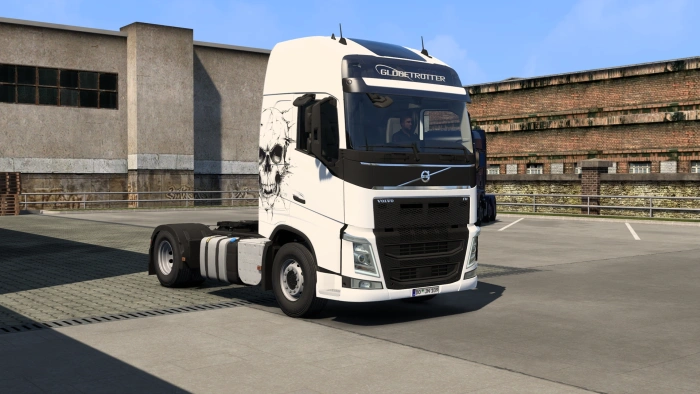
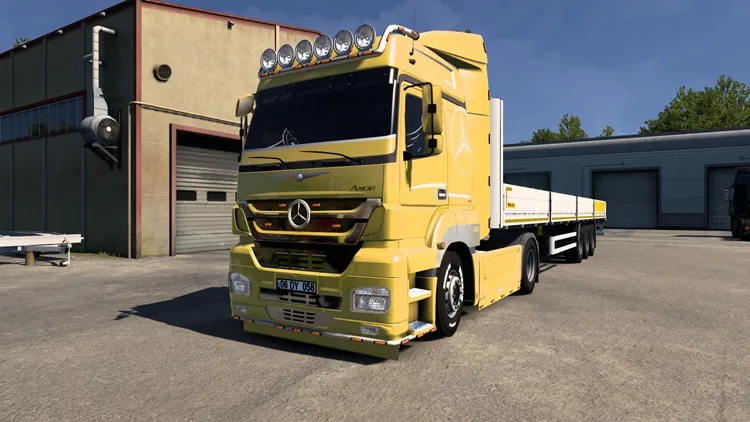
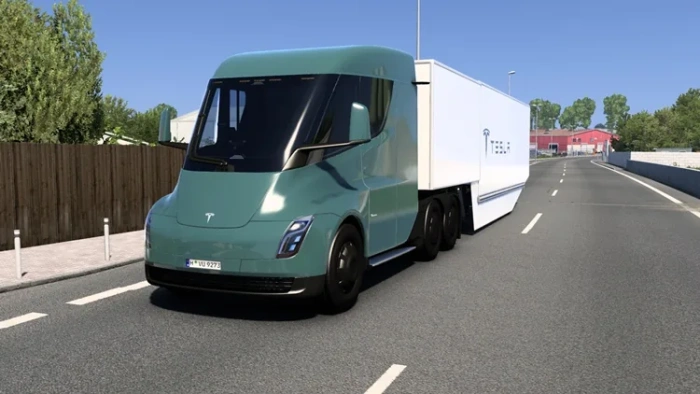
Comments
No comments yet. Be the first.
Please read our Content Policy before commenting or reporting a problem.